Book Appointment Now
Player Box Collection · Windows · Android · Digital Signage
Media Player Box for Digital Signage and Kiosk Computing
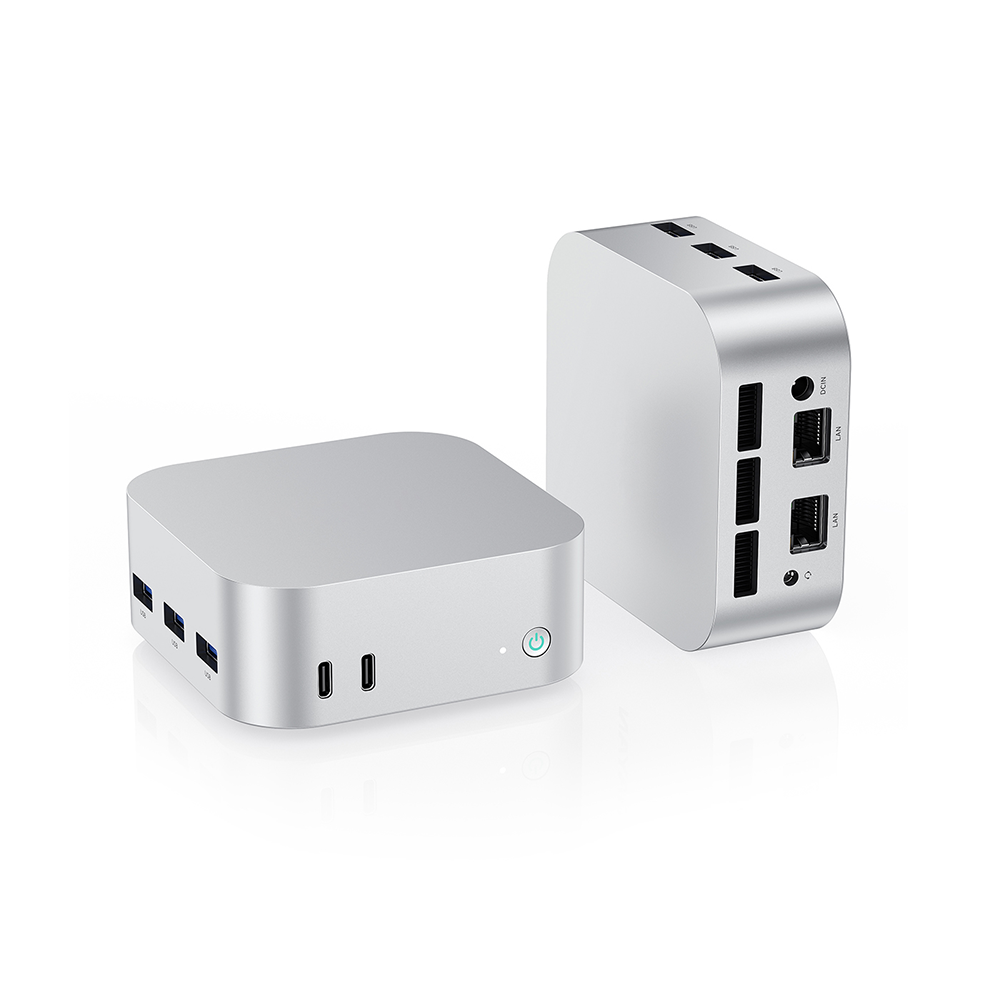
Media player boxes are the computing core behind the screen — a compact, always-on digital signage player box that runs your signage software, menu boards, IPTV or kiosk application. Choose a Windows digital signage player when your software is Windows-based, or an Android media player box for dependable playback and, on selected models, edge AI. Both are configured around your application rather than shipped as a fixed image, and both ship CE, FCC and RoHS compliant with OEM and ODM support.
Windows & Android
Digital Signage
Kiosk & POS
Multimedia Playback
Compact Mini PC
OEM & ODM
CE
FCC
RoHS

Player Box Range
Two Platforms, One Compact Player Box
Every media player box in this range is a compact mini PC built for equipment, not a desk. It is configured around your application software, powered on and checked before shipment, and ready to boot straight into your content.
Windows Platform
Windows
Windows Digital Signage Player
A Windows-based player box for projects whose software, drivers or peripherals are written for Windows. The platform is configured around your application rather than shipped as one fixed image, with Intel processor options from an energy-efficient N150 to a high-performance Core i5.
Windows 10 / 11
Intel N150 · Core i5-12500H
Digital Signage · Kiosk · Embedded
OEM & ODM
View the Windows player
Android Platform

Android
Android Digital Signage Player
An Android-based media player box for content playback, digital menu boards and information screens that have to run unattended. The Android system and hardware configuration are adapted to your application software, with RK3568 and RK3588 platforms covering dependable playback through to AI edge computing on selected models.
Android Platform
RK3568 · RK3588
Multimedia Playback
OEM & ODM
View the Android player
Compare & Choose
Which Player Box Fits Your Software?
The platform choice follows the software, not the other way round. Answer three quick questions and the right player box picks itself.
What software runs on it?
Windows-based software, drivers or peripherals → a Windows digital signage player. A signage app, a web client or a kiosk application built for Android → an Android media player box.
What is the workload?
Always-on playback of menus, promotions and information → the energy-efficient Intel N150 or RK3568 builds. Multi-window content, video walls or demanding applications → the high-performance Intel Core i5 or RK3588 builds, with edge AI available on selected RK3588 models.
Where will it live?
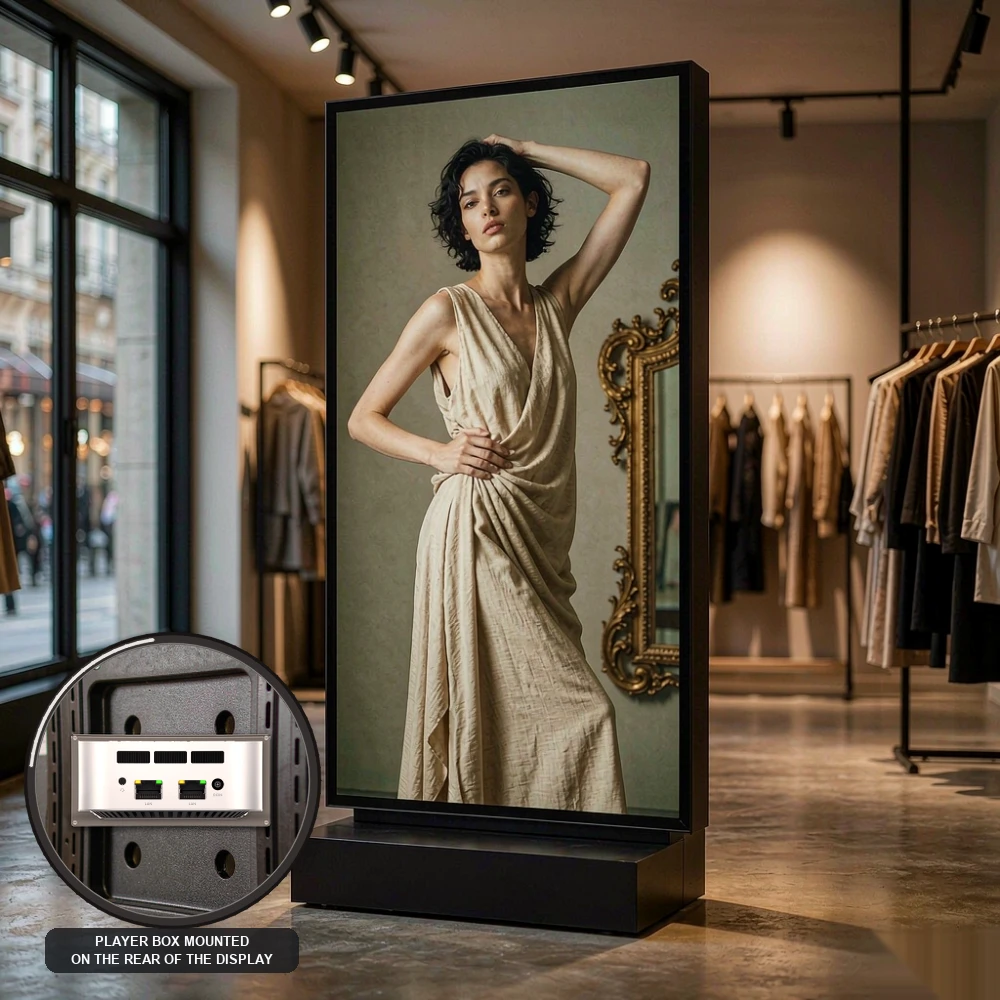
Behind a display, inside a kiosk, in a vending machine or in a control cabinet — any enclosed space a desktop will not fit. The compact design and panel mounting mean the player box mounts inside the equipment, not beside it.
| Product family | Best for | Platform | What runs on it | Playback | Expansion | Customisation |
|---|---|---|---|---|---|---|
| Windows Digital Signage Player | Projects whose software, drivers or peripherals are Windows-based | Windows 10 or Windows 11 — edition agreed per project | Signage software, POS, kiosk terminals, industrial programs and browser-based tools | Confirmed per project against the processor and graphics configuration | HDMI, DisplayPort, USB, LAN, RS232, Wi-Fi and Bluetooth class interfaces | CPU, memory, storage, Windows version, I/O, enclosure, logo, BIOS and boot logo |
| Android Digital Signage Player | Unattended playback and multimedia signage where maintenance should be minimal | Android — version and system settings agreed per project | Signage and advertising playback, digital menus, information screens and Android terminals | Confirmed per project against the platform and configuration | HDMI, USB, LAN, RS232, Wi-Fi and Bluetooth class interfaces | CPU platform, memory, storage, Android version, I/O, enclosure, logo and boot animation |
Not sure which player box suits your project? Send us the software you intend to run, the displays and peripherals it has to reach, and where the box will be installed. We will recommend the right platform and configuration — processor, memory, storage, operating system version and interfaces — before you order.
Capabilities
Why Buy Your Player Boxes From One Supplier
A rollout rarely uses only one platform. Sourcing Windows and Android player boxes from the same factory keeps the enclosure, the quality standard and the support consistent across every screen and every site.
One Supplier, Both Platforms
Windows and Android From the Same Factory
Most signage rollouts mix platforms — a Windows box for the software-heavy terminal, an Android box for the simple playback screen. Buying both from one manufacturer means one enclosure standard, one spare-parts list, one quality process and one point of contact. For integrators it also simplifies ordering and after-sales, whether the project is a single menu board or a national screen network.
Both platformsWindows and Android in one family
1 contactfor specification and support
OEM & ODM · Compliance
Configured Around Your Software, Branded as Your Own
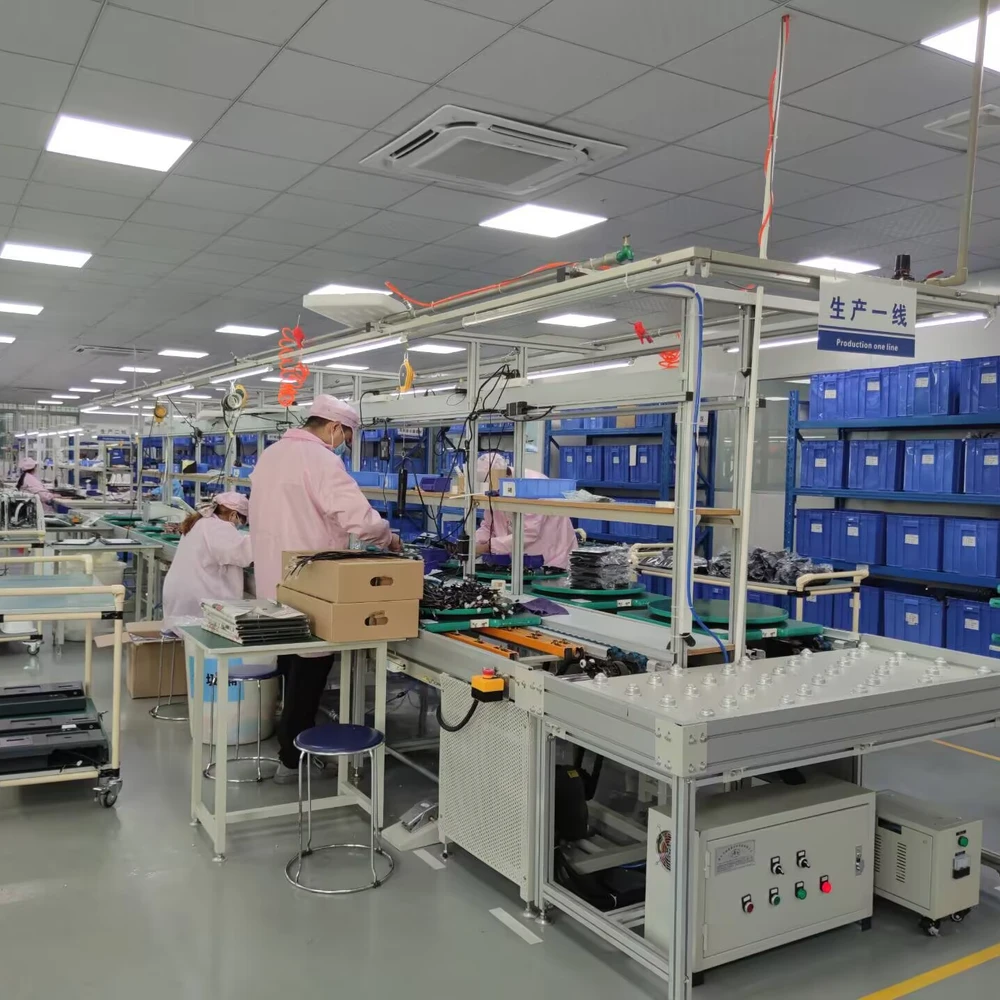
We build for other people's brands as well as our own. CPU platform, memory, storage, operating system version, interfaces, enclosure, logo, BIOS, boot logo and boot animation can all be tailored to the project, and enclosure branding and packaging can carry your identity rather than ours. The system is configured so the unit boots straight into your application — an Android digital signage player for playback or a Windows digital signage player for your Windows software — and every player box ships CE, FCC and RoHS compliant, powered on and checked before it is packed.
CE · FCC · RoHScompliance on the full range
OEM & ODMbranding, enclosure and software

Applications
Where a Player Box Earns Its Place
Anywhere a screen has to run software rather than a fixed playlist, a player box removes the compromise — from a digital menu board to a kiosk, a video wall or an industrial terminal.
Digital Signage
Run advertising loops and promotional content on commercial displays with your own signage software.
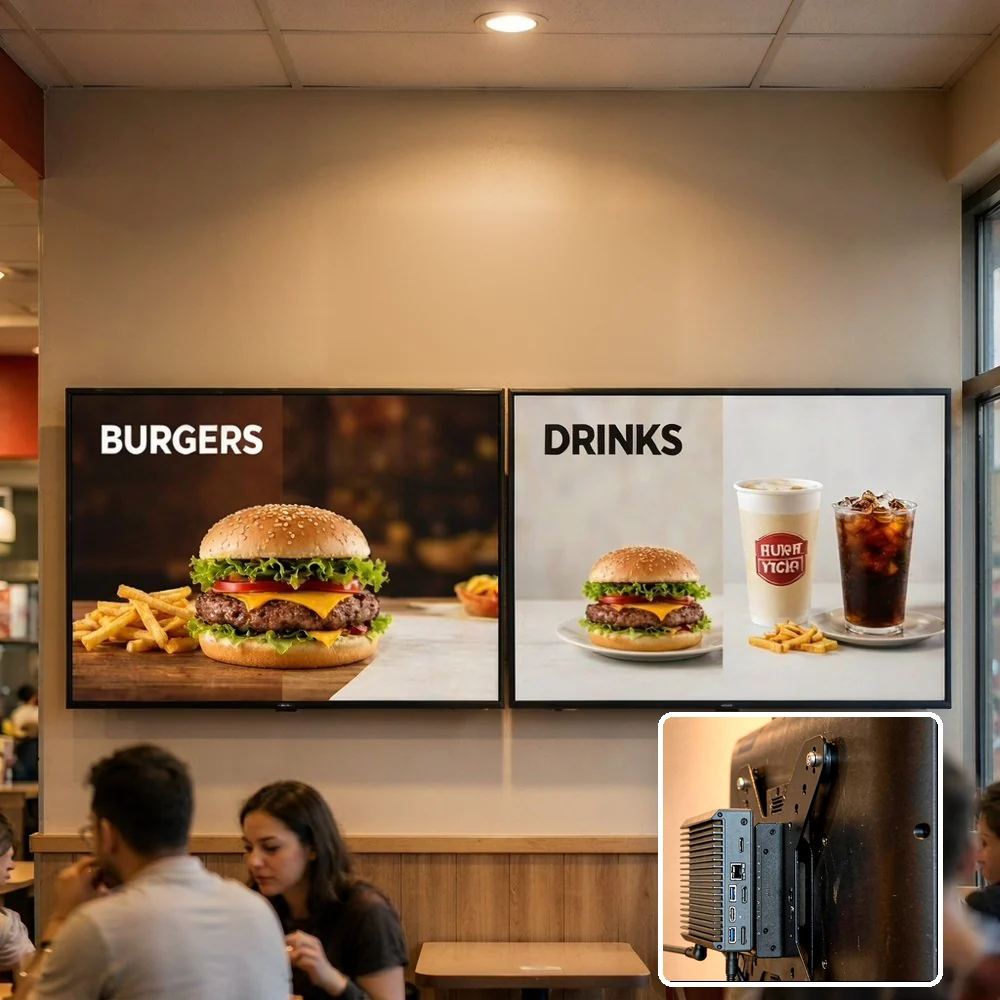
Digital Menu Boards
Update menus and prices from a central system across every screen in the chain.
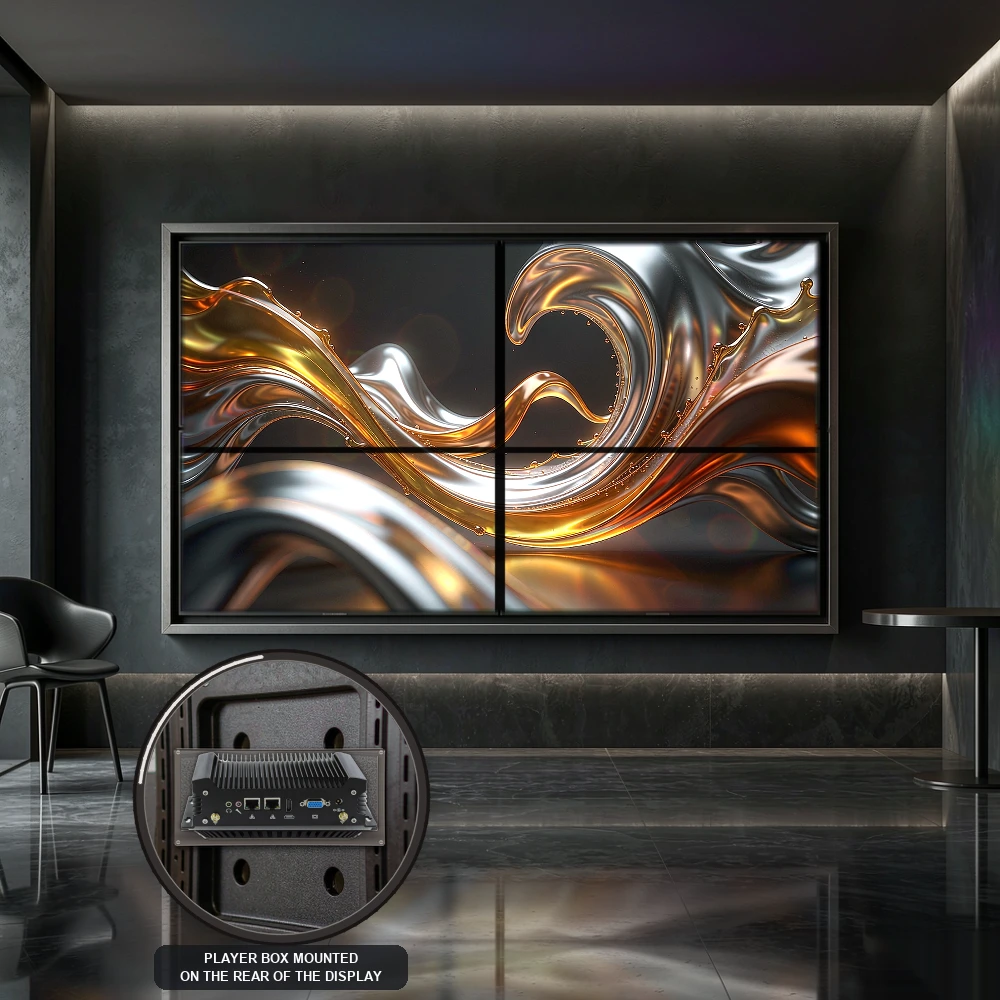
Video Walls
Power multi-screen and video wall layouts where synchronised playback and smooth performance matter.
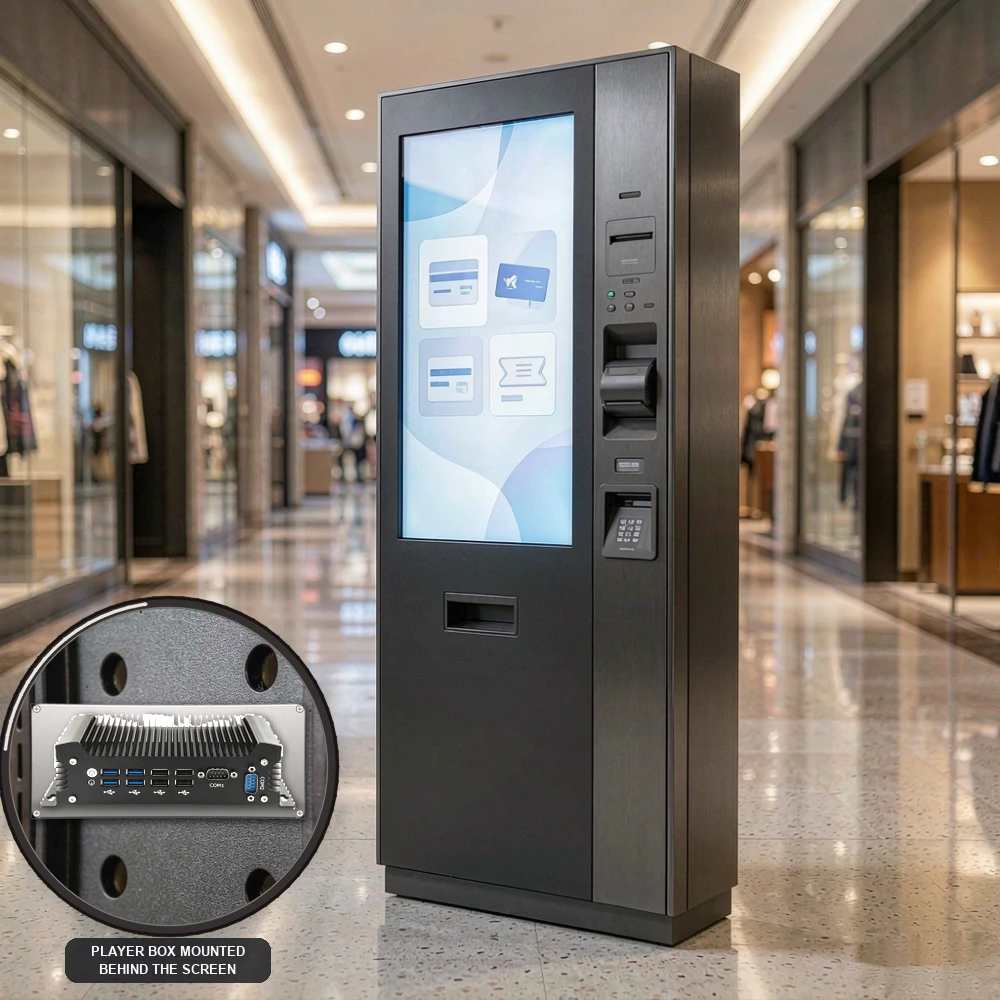
Self-Service Kiosks
Provide the computing behind an interactive kiosk, running your terminal application and peripherals.

Hotels & IPTV
Upgrade guest-room TVs with custom welcome interfaces and IPTV support for a personalised stay.
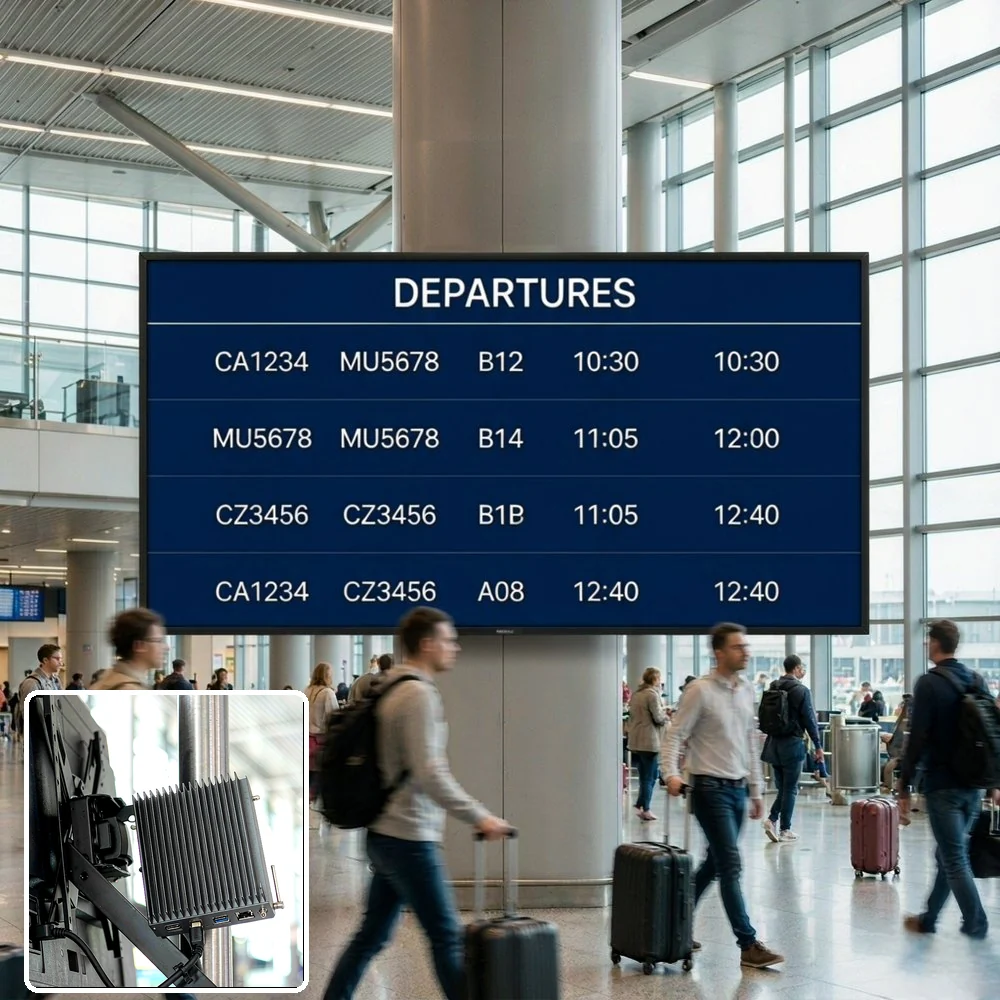
Information Displays
Keep public information, guidance and announcements current on always-on screens.

Smart Vending
Embed the computing for selection screens and telemetry inside the machine, in a form factor that fits.
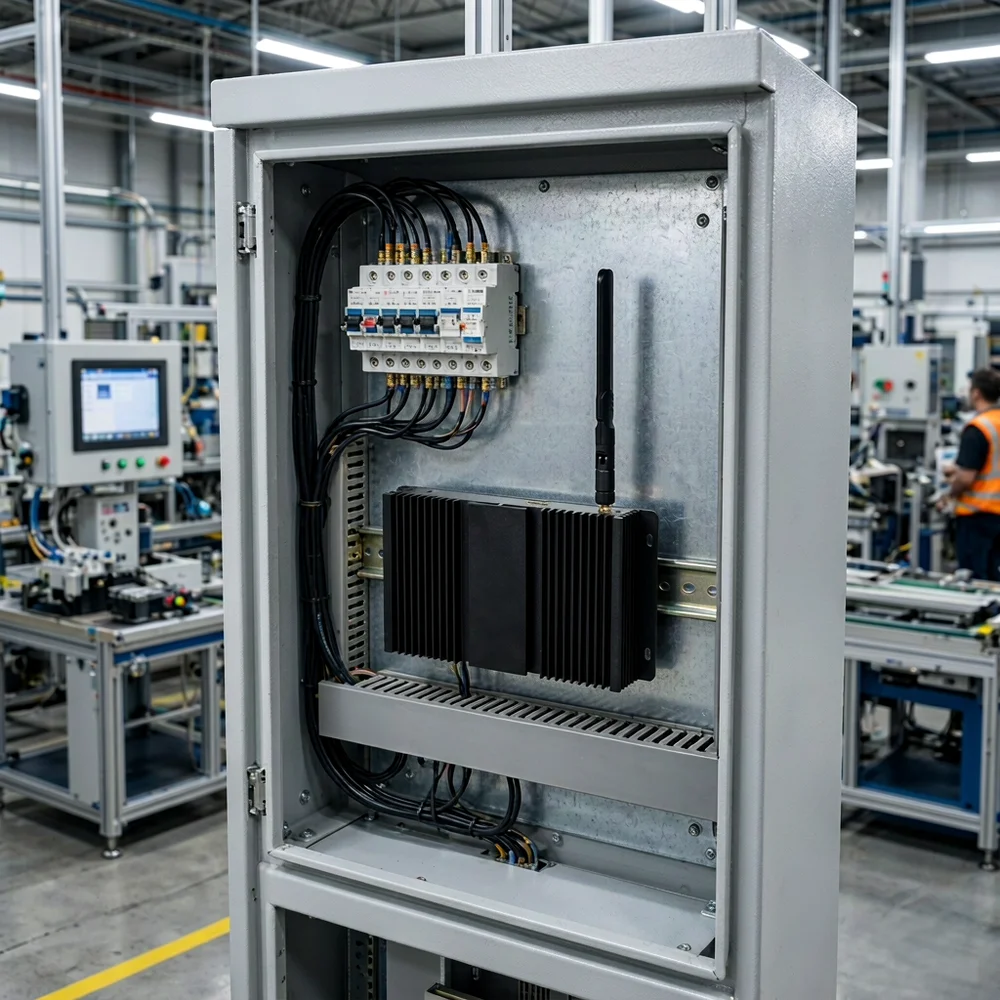
Industrial Equipment
Serve as an industrial computer box inside control cabinets and terminals running Windows or Android software.
FAQ
Frequently Asked Questions About Player Boxes
What system integrators, signage companies and OEM buyers ask most often before specifying a Windows or Android player box for a signage or kiosk project.
What is a media player box used for?
A media player box is the computing core behind a commercial display or a whole screen network. It is a commercial media player box and a signage computer in one. It plays content to digital signage, digital menu boards, video walls, information screens and interactive terminals, and it can also run the software of a kiosk, a vending machine or an industrial terminal. Because it is a dedicated device rather than a desktop, it boots straight into your content and runs continuously without anyone attending it.
Should I choose a Windows or an Android player box?
Choose a Windows media player box when your software, drivers or peripherals are Windows-based, when the project needs a full desktop operating system, or when it relies on Windows management tools. Choose an Android media player box when the workload is content playback, when the budget is tighter, or when a simpler low-maintenance device is preferred. We build both, so the decision usually follows the application software rather than the hardware: an Android digital signage player for playback, a Windows digital signage player when the software demands it.
Which processors and platforms are available?
The Windows player box offers Intel options from the energy-efficient Intel N150 for always-on signage to the Intel Core i5-12500H for multi-window content and demanding applications. The Android player box offers the RK3568 platform for dependable playback and the RK3588 platform for higher processing and graphics capability, with edge AI on selected models. Tell us what the software does and we will recommend the most cost-effective configuration.
Can the player box run our own application and boot straight into it?
Yes. We configure the system around your application rather than shipping a fixed image. That covers the operating system version, drivers, pre-installed software, boot logo and boot animation, and system settings, so the unit starts straight into your content when power is applied. This is what makes the box suitable for unattended installations such as menu boards, advertising screens and kiosk terminals.
Does the player box support 4K playback?
4K playback depends on the processor and graphics configuration of the specific model, so we confirm it per project rather than claiming it across the range. Send us the resolution, frame rate and codec you plan to use and we will tell you which configuration handles that content reliably in continuous operation.
What can be customised for an OEM or ODM project?
CPU platform, memory, storage, operating system version, interfaces, enclosure, logo, BIOS, boot logo, boot animation and software can all be tailored to project requirements. Enclosure branding and packaging can carry your identity rather than ours. The usual process is simple: you send the application and the environment it runs in, we propose a configuration, samples are validated, and then production follows.
Do the player boxes come with certification and support?
The player boxes are CE, FCC and RoHS compliant, and every unit is powered on and checked before shipment. We provide installation guidance and after-sales support, and the same engineering team that built the box is available for software integration questions after delivery. For integrators rolling out player boxes across multiple sites, project-level technical support is also available.
Ready to Specify Your Player Box?
Send us the software you intend to run, the displays and peripherals it has to reach, and where the box will be installed. We will come back with the right platform and configuration — plus OEM options and sample orders — confirmed.